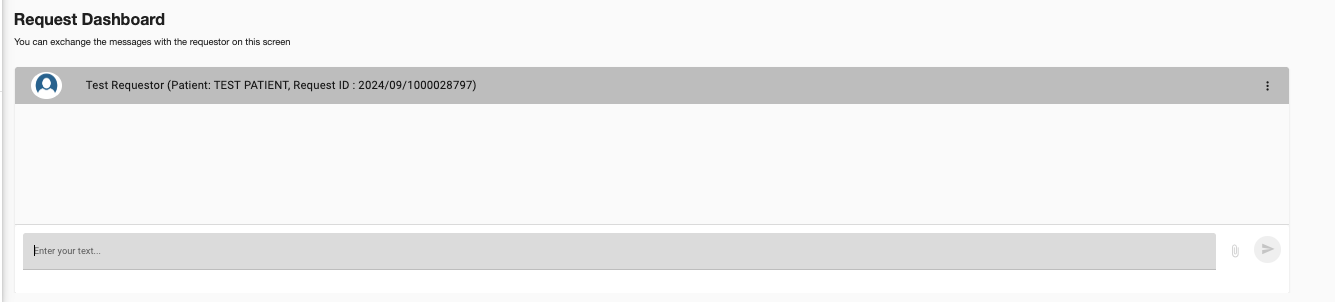

How do send a message to the Requestor?
Last updated: Apr 22, 2026
1869
views

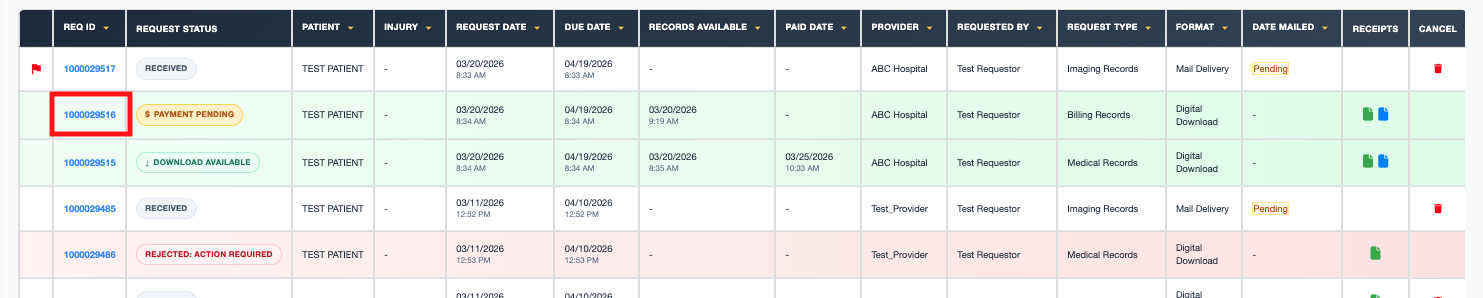
To message a requestor, navigate to the request and click on the REQ ID.
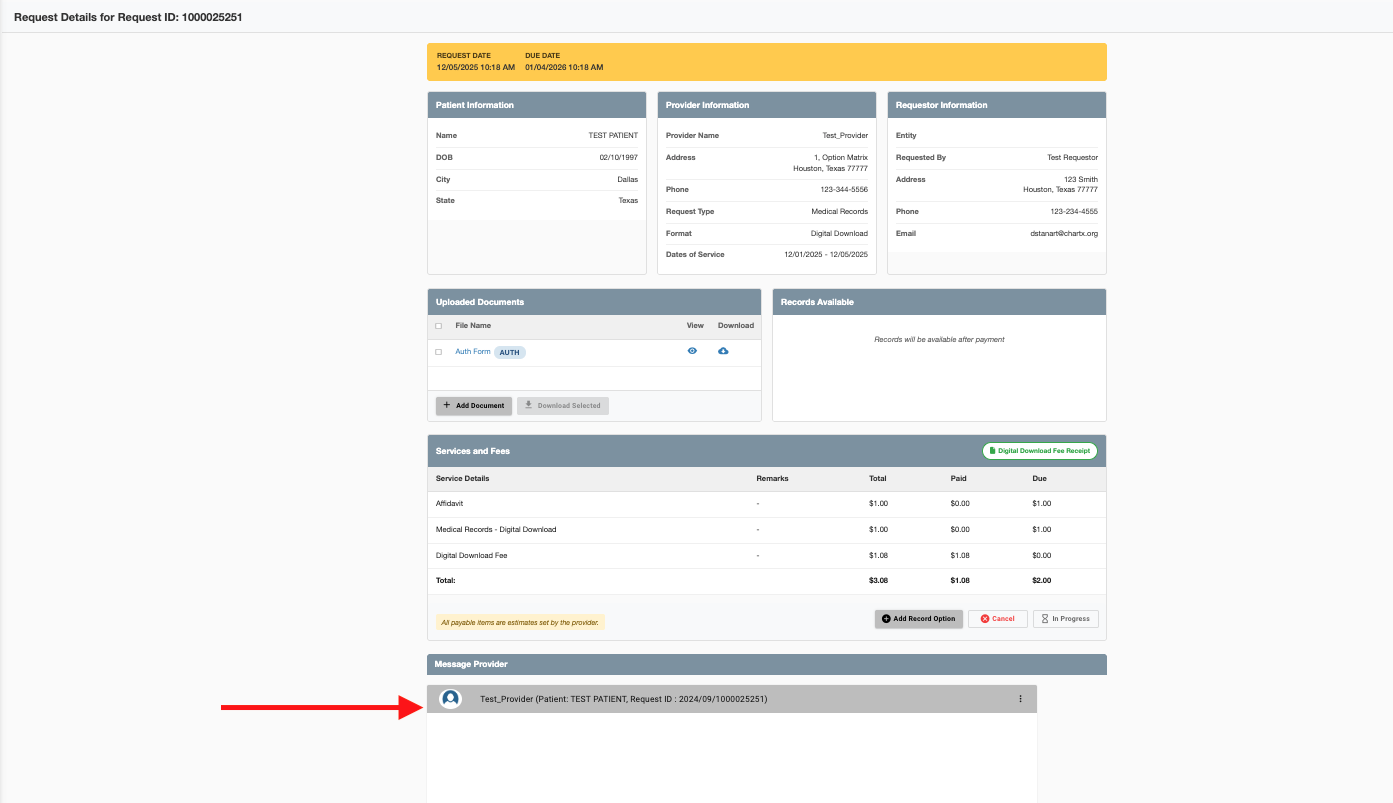
Scroll down to the bottom of the screen.
Type your message. You may also upload documents in the Messages and Issues section.