


Adding a Custodian

Mar 11, 2026
 197
197
Adding a Custodian can only be done in an administrator account. To add a custodian, navigate to the Custodian tab on the lefthand side of your home screen.
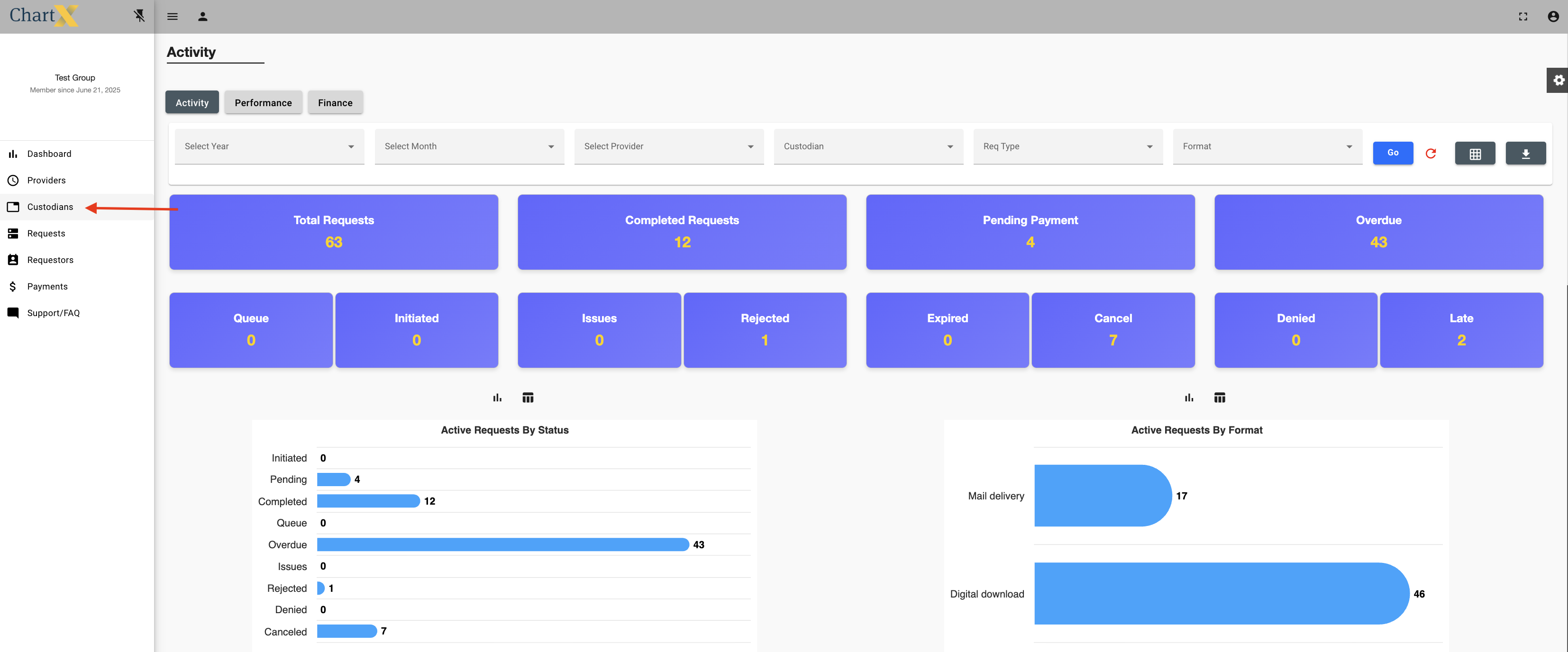
Click Add Custodian

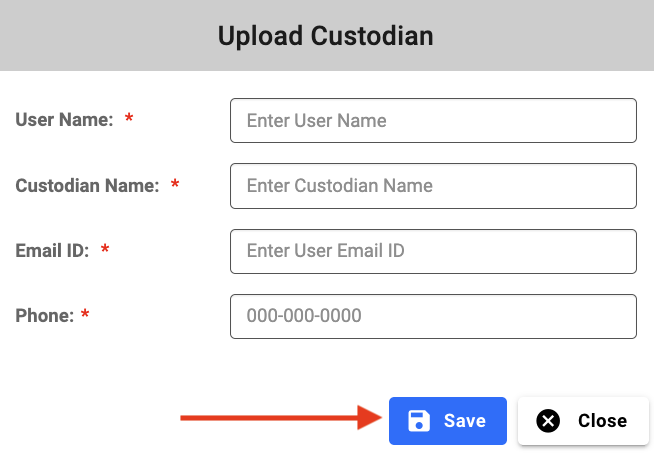
Complete all required fields and click Save.
The new custodian will now show up in the list of custodians.


