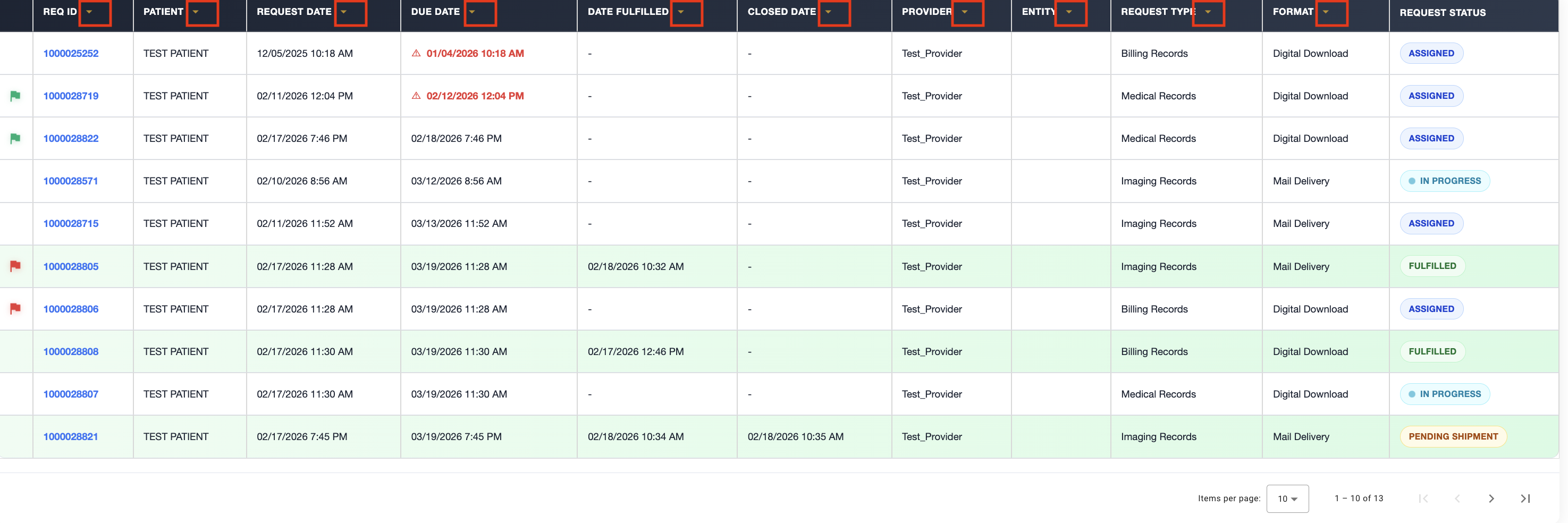

Custodian Filter

Feb 18, 2026
 199
199
To access additional filter options, click More. 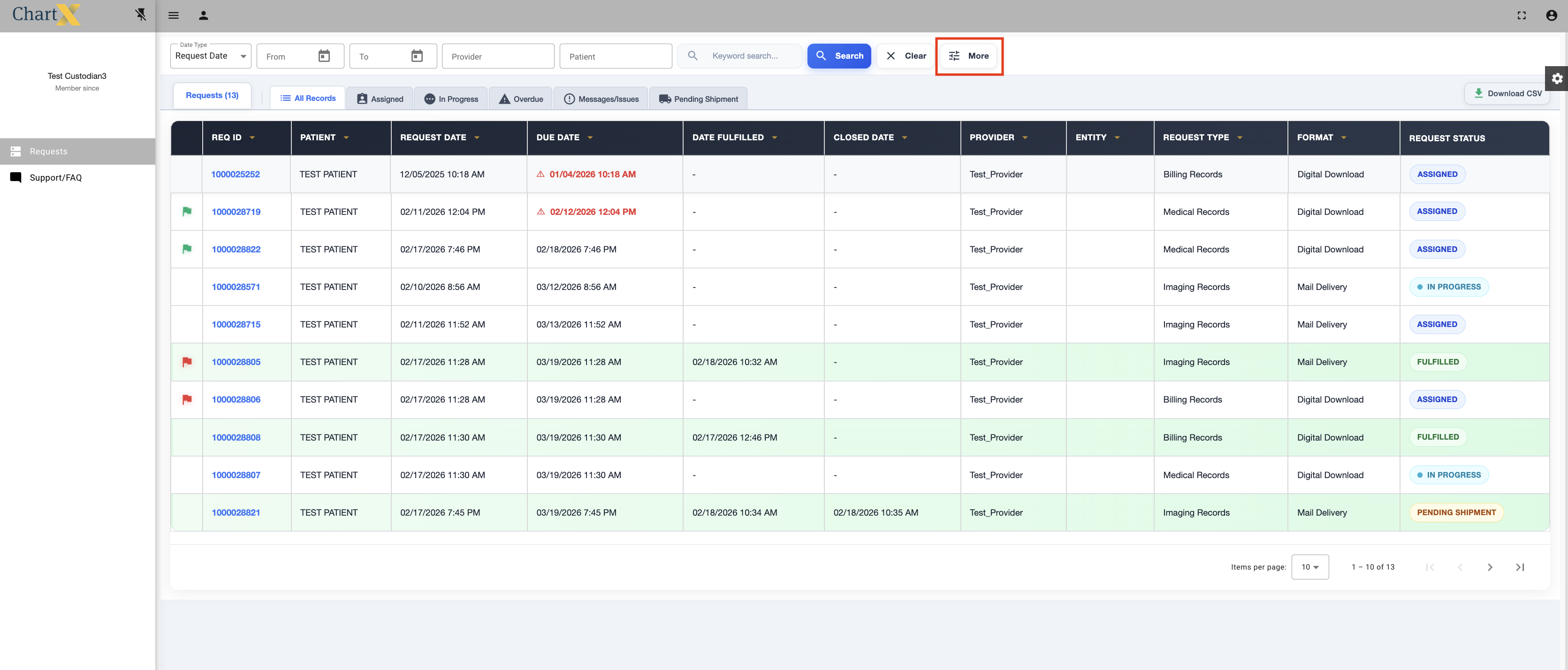
This is the view for the expanded filter options.
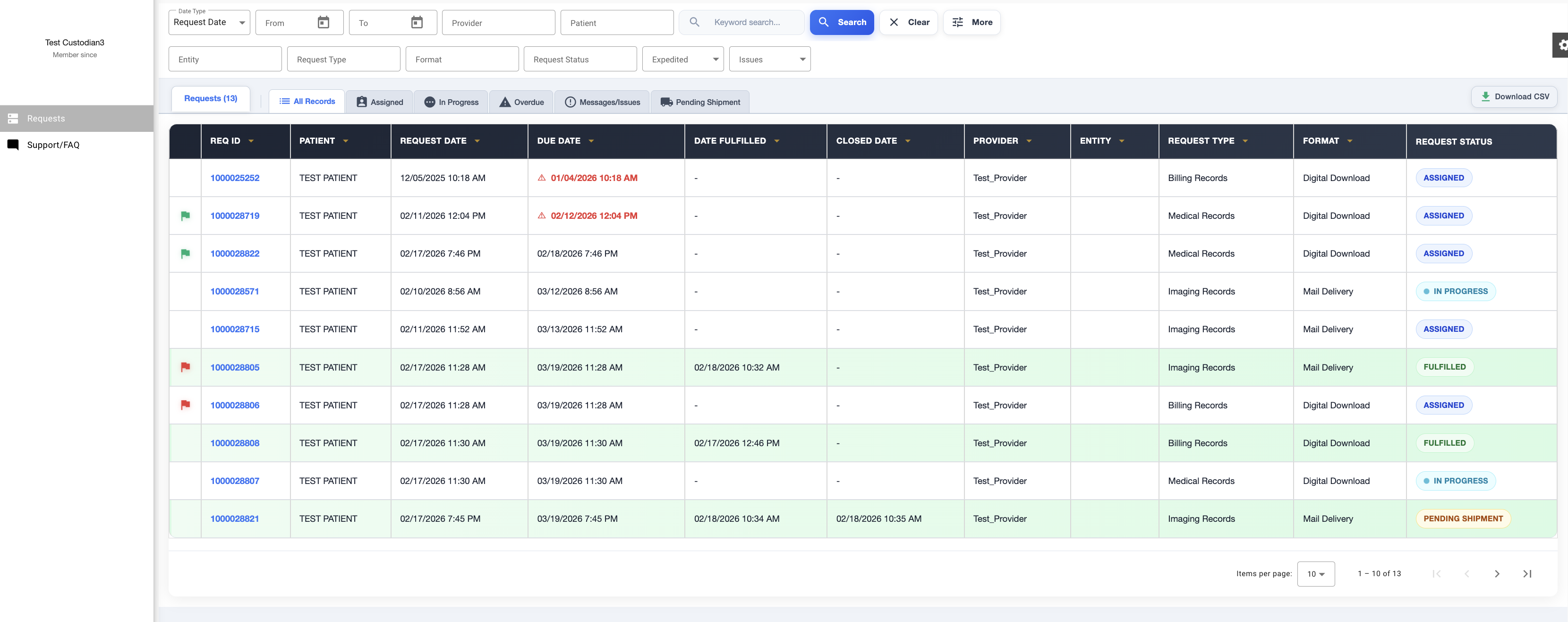
Here are the criteria you can search by: Date Range, Provider, Patient, Entity, Request Type, Request Status, Expedited Records, Records with Message or Issues. You can also search by REQ ID by typing it into the Keyword Search Box.
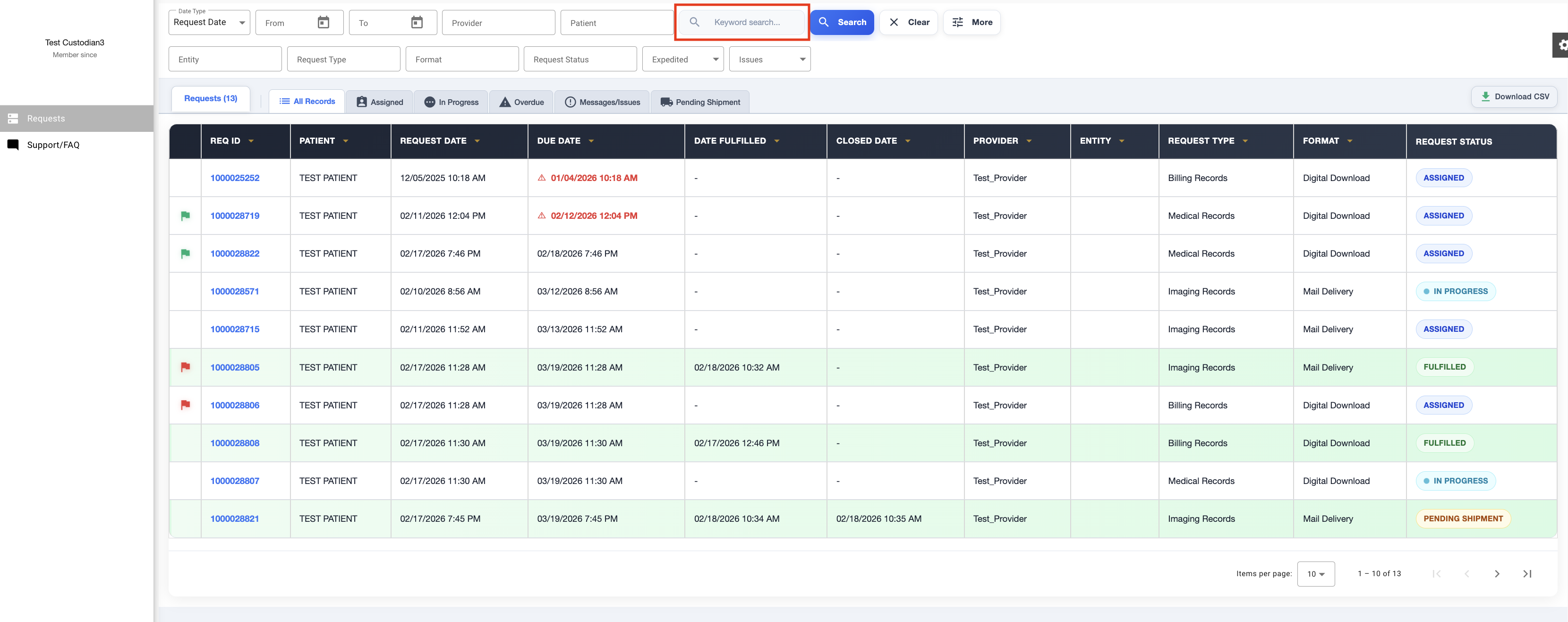
Once you have selected your criteria click Search. Note: Your search criteria will remain in the filter until you click Clear.
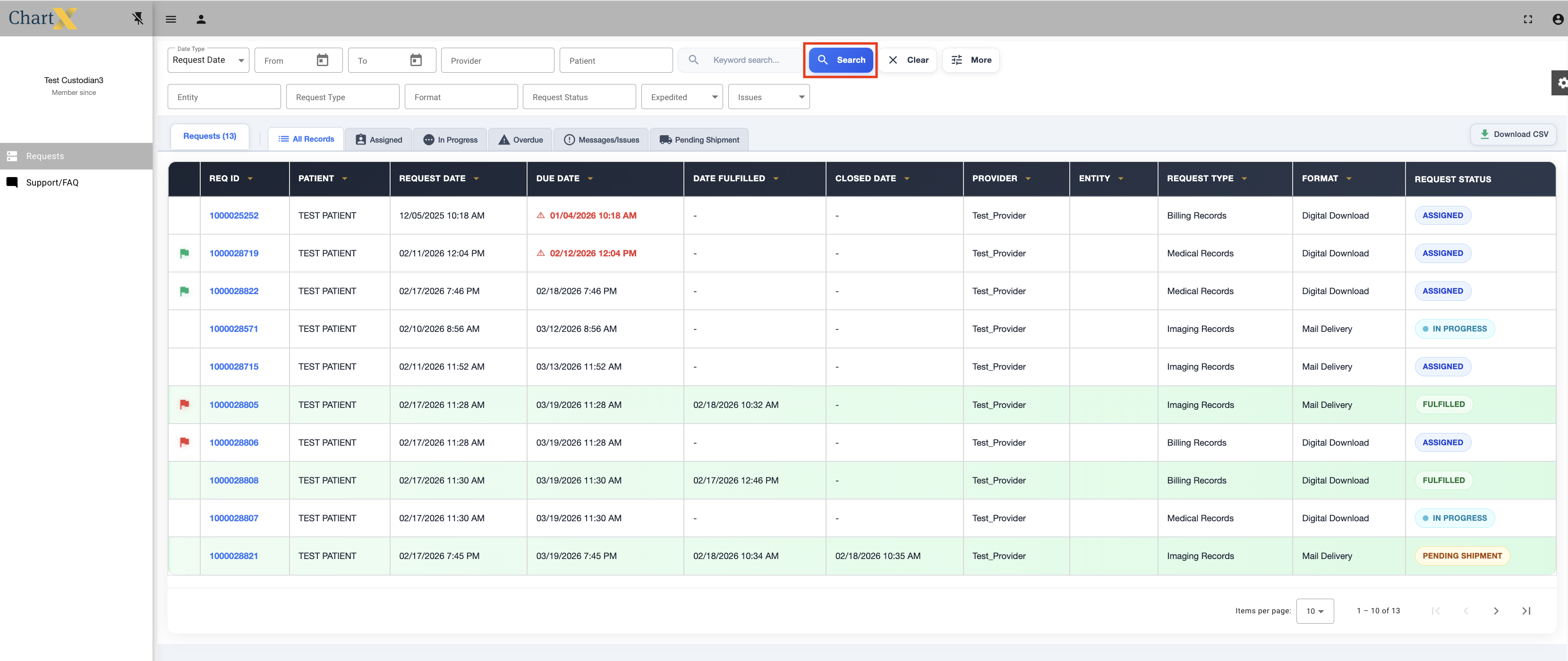
You can also use the yellow arrows in each column to sort.